
Into a terminal
Upload a file to the workstation and insert its remote path in your current prompt.
Built for remote AI development
One terminal session. Several workstations.
Pick up where you left off on another screen.
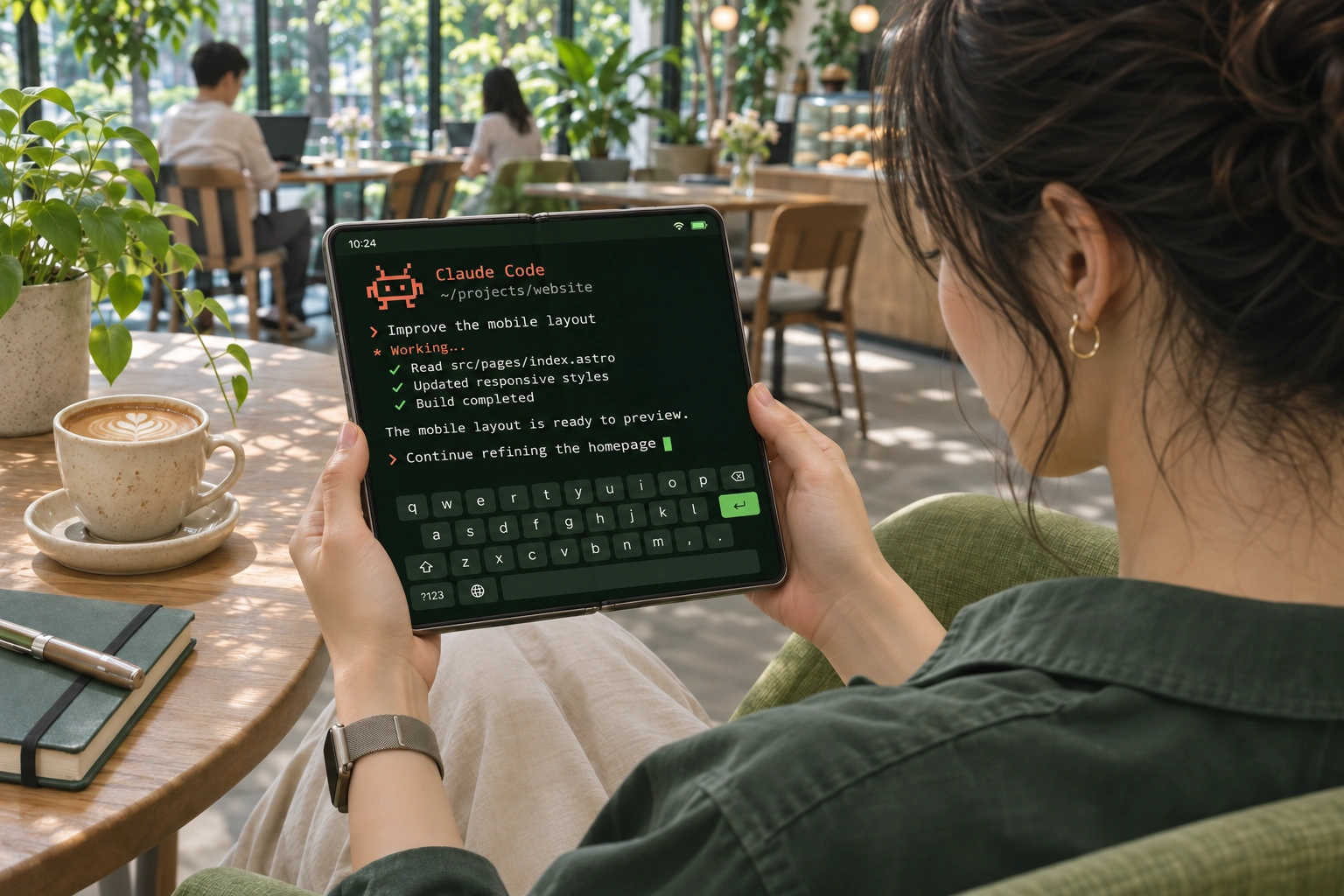
Your phone, computer and browser can join the same hosted terminal. Its process, directory and output stay on the workstation.
One remote instance, multiple connected devices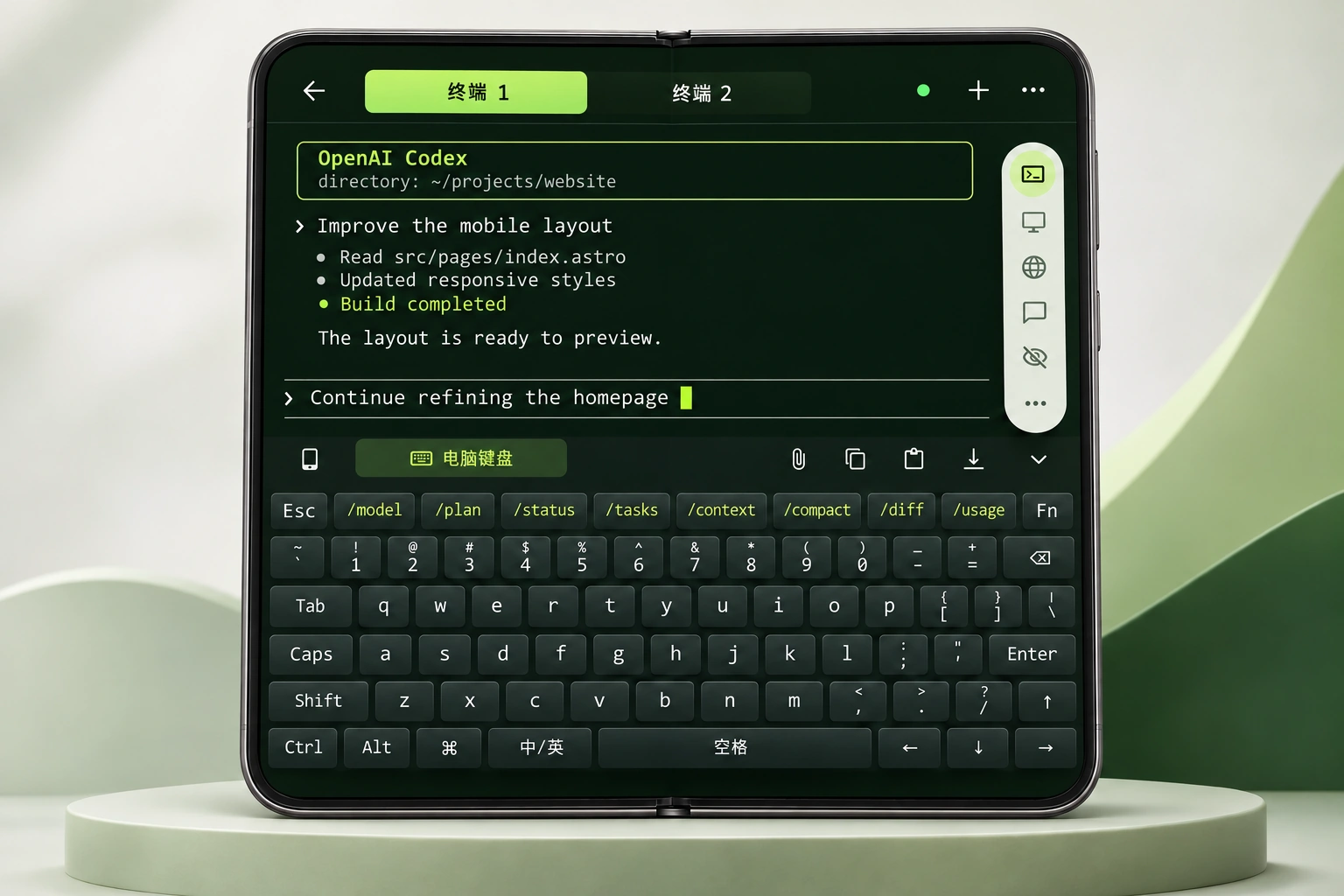
A larger terminal, desktop-style keys and session tabs make a foldable a practical coding workspace.
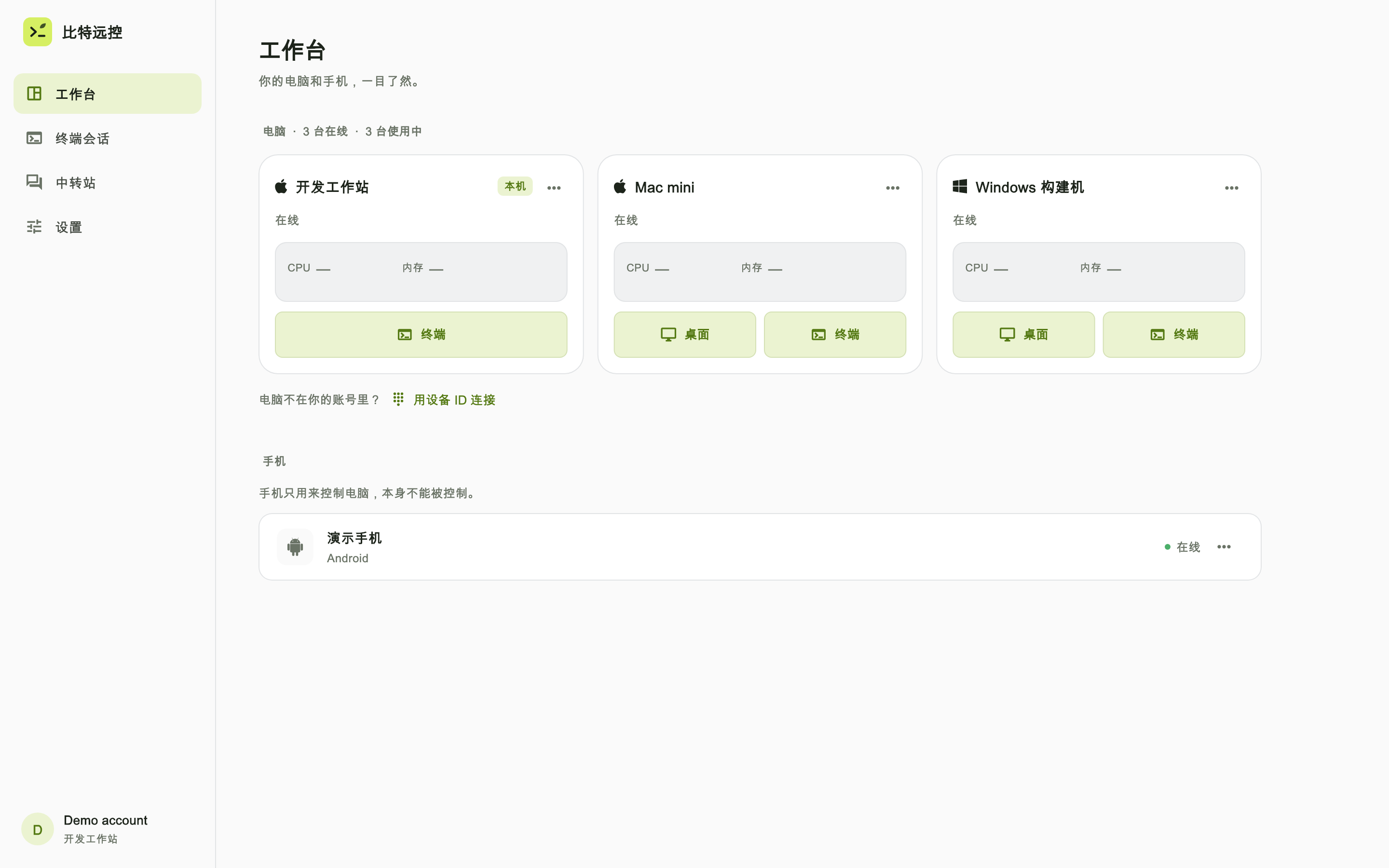
Develop on one machine, build on another. Find each machine’s terminal, desktop, files and web preview in one place.
Move files between your authorized devices without first uploading them to a third-party cloud drive.
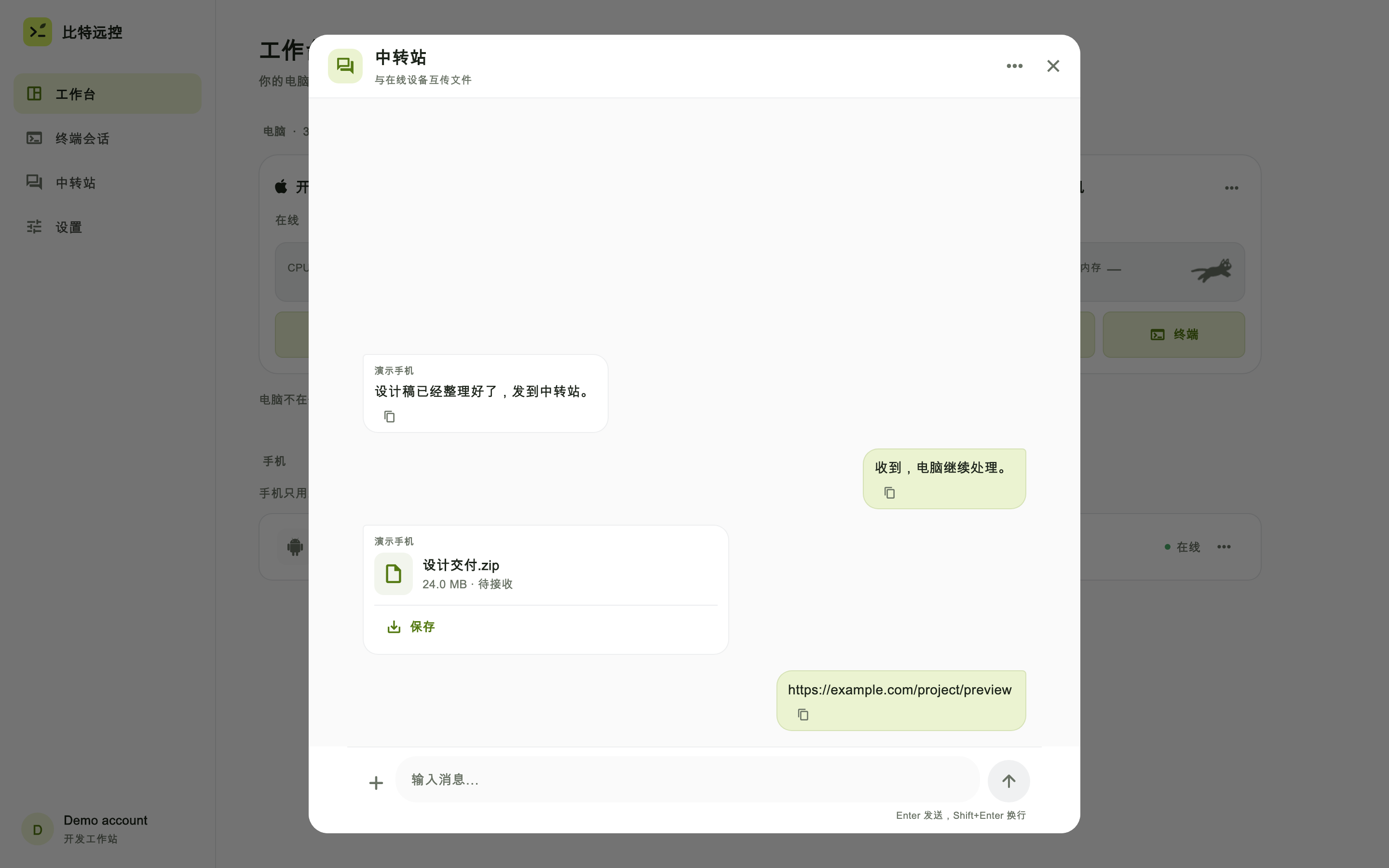
Upload a file to the workstation and insert its remote path in your current prompt.
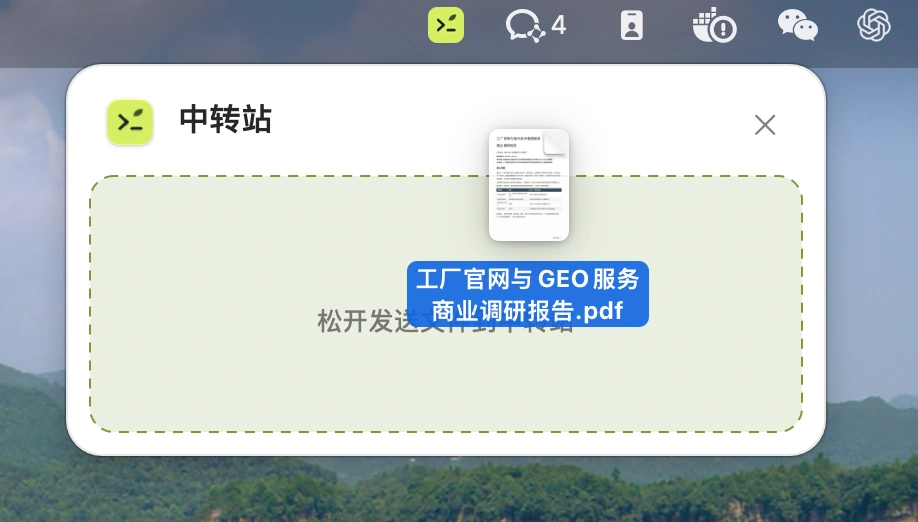
Send a local file to the workstation you are controlling, ready to open in a remote app.
Leave it on one device and pick it up on another. Share files, text and links.

A compatible browser can join your shared terminal. Your CLI keeps running on the workstation.
Open web terminal ↗Use the native client to preview a web service running on your workstation. Edit in the terminal and see the result without deploying it to the public web.
Confirm the sign-in from an already signed-in phone instead of retyping your credentials.

CPU load companions, a curtain for your workspace and terminal themes make it feel like yours.
Animation credits: RunCatDevices share terminal instances created and hosted by Bitseed. Existing system terminals aren’t automatically taken over. The workstation must stay online; restarting, stopping the service or ending a session can interrupt tasks. Sharing a session does not replace execution confirmations in third-party tools.
Remote terminals accept files, not folders. Uploading inserts the path without running a command. Desktop drops require the desktop client and transfer permission on the destination. Transfer Hub needs the original file and source workstation to remain available. Connections may use the public internet or a relay.
The web client focuses on shared terminal sessions, related messages and files. Remote desktop and web previews require a supported native client. Remote web preview also requires a running service on an online, authorized workstation.
QR sign-in requires confirmation and does not bypass workstation or system permissions. The companion reflects CPU load, not AI progress. The curtain covers the workspace without locking the system.
Pick up your AI coding session and move files between your own devices with a drag and drop.